Hiring season has started: how to think in frontend interviews
A technical interview isn’t a court or a memory test; it is a conversation about how you think. Two real frontend scenarios and how to answer them well.
Read this article in Arabic
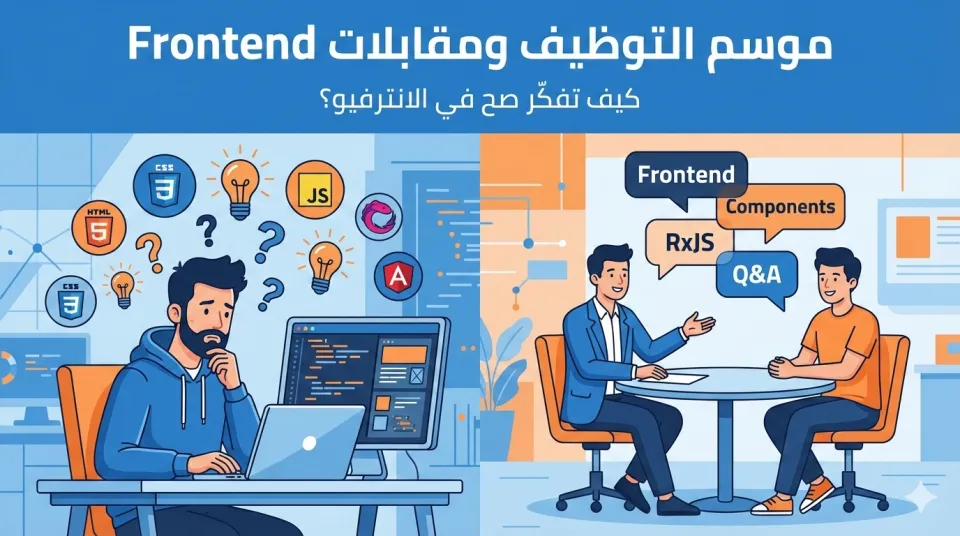
As hiring season begins, many developers feel nervous about technical interviews, especially frontend developers. But let’s agree on one important point from the start:
An interview isn’t a court or a memory test. It is a conversation that shows how you think.
The interviewer isn’t there to catch you out. They want to understand:
How do you think?
How do you analyze a problem?
Do you have strong foundations, or have you just memorized answers?
In this article we go through very real situations that come up in most frontend interviews, and how to answer them in a smart, professional way.
Scenario one: you get a Login / Register page from Figma. What do you do?
This question comes up a lot. It looks simple, but it is actually deep.
The interviewer isn’t asking:
Can you build a form?
They are asking:
How do you think before you write code?
Step one: understand the scenario before the code
Before writing a line of code, understand the whole picture. Start with clear questions such as:
Is the page login only, or login and register?
Are there error messages, and what do they look like?
Is there a loading state?
Is the button disabled in certain cases?
Is validation only on the frontend, or on the backend too?
These questions show you think like a real developer, not just someone who implements designs.
The common (but wrong) solution
Many developers suggest:
One component that contains both login and register, with
*ngIfto switch between them.
It may work, but it is a poor architectural choice.
Why?
One component is responsible for more than one job.
It breaks the Single Responsibility Principle (SRP).
Any change to login or register can affect the other.
The code becomes hard to read and maintain.
This is where the interviewer starts to doubt that you understand the basics of software design.
The better solution: split the responsibilities
The right approach:
A component for login.
A component for register.
A parent component that controls which one is shown.
But now a new problem appears…
The repetition problem (DRY)
Login and register will both repeat:
Inputs
Buttons
Validation styles
That breaks the principle DRY: Don’t Repeat Yourself.
So what’s the solution?
The professional solution: content projection
This is where an average developer and one who really understands differ.
We:
Create shared components (such as InputComponent and ButtonComponent).
Use
ng-contentto project the content that differs.
That way:
The same components are used in any form.
Each component has only one job.
Any change to an input or button applies to every form without breaking anything.
And so you have:
Applied SRP.
Followed DRY.
Written code that is easy to extend and maintain.
Scenario two: a dashboard that depends on several APIs
Imagine a dashboard that can only be shown after:
Loading the user profile
Loading permissions
Loading notifications
The common (but bad) solution
subscribe inside subscribe inside subscribeThis solution is:
Hard to read
Hard to change
A disaster when you add a new API
The interviewer will most likely stop you here.
The right solution with RxJS
Since we are working with observables, RxJS gives us very powerful tools.
One of the most important is forkJoin.
forkJoin:
Waits for all the observables to complete,
then returns all the results at once,
with clear, clean code.
This shows you understand RxJS, not just use it.
The important question: when to use forkJoin, and when not to
This one comes up often in interviews.
Use forkJoin when:
All the observables must complete.
The data is fetched once (HTTP requests).
Don’t use forkJoin when:
There is a continuous stream.
You are using WebSockets.
The observable’s values keep changing.
In those cases, use other operators such as combineLatest or switchMap, depending on the scenario.
Summary
Technical interviews don’t require memorized answers. They require:
Understanding the principles
Thinking before coding
Being able to explain your decisions
When you understand why you chose a solution, no question will scare you.